


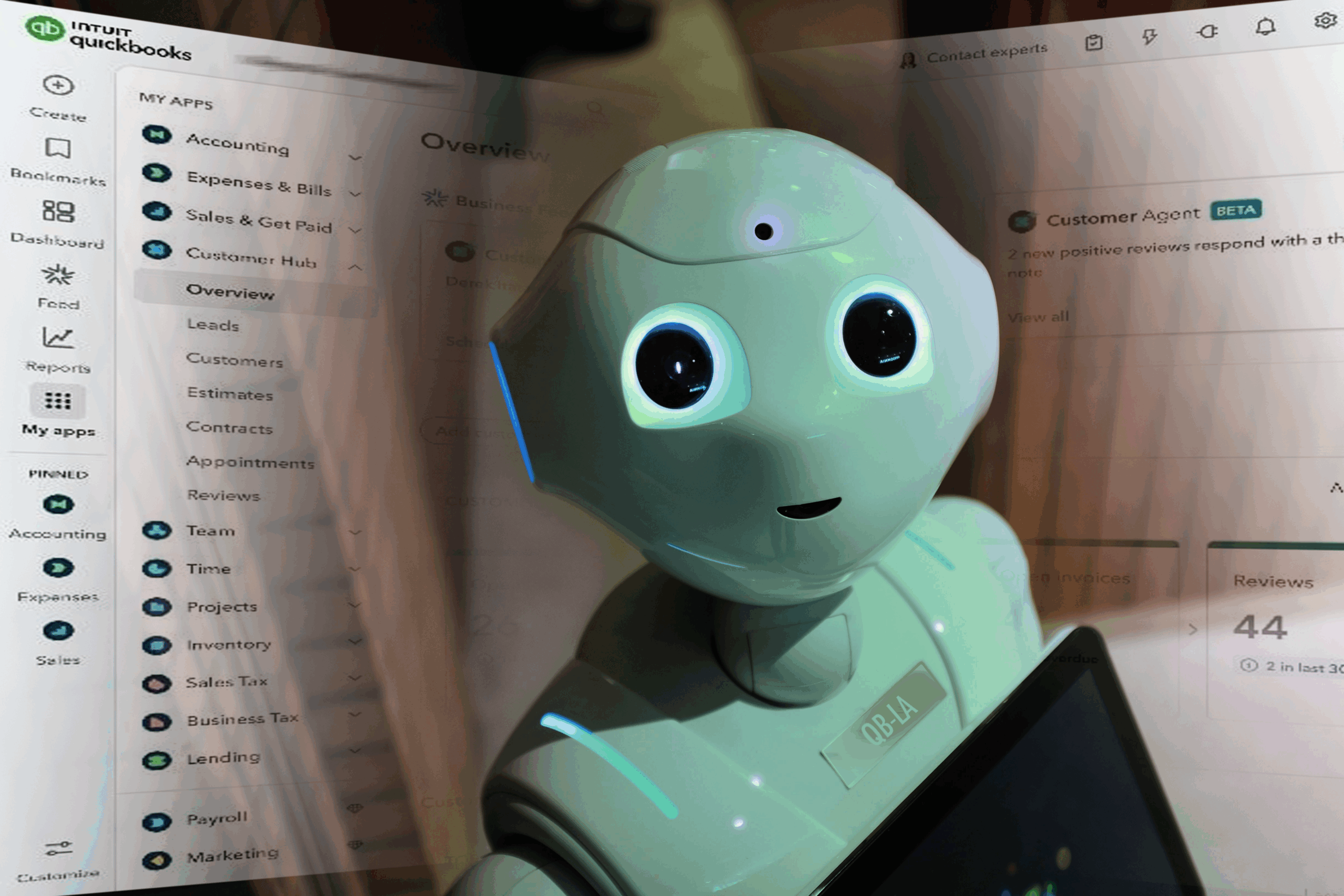
If you’ve been using QuickBooks for any length of time, you know that change is part of the platform’s DNA. Some users still prefer the right-side navigation; others wouldn’t dream of moving it off the left. But the latest update goes far beyond layout preferences.
Intuit has introduced an all-new AI-driven QuickBooks experience, designed to simplify daily workflows and bring automation to the forefront. These updates represent the most significant change to QuickBooks in more than a decade—combining artificial intelligence with accounting expertise to create a more powerful, intuitive platform for small businesses and accounting professionals alike.
Smarter Workflows with AI Agents
At the heart of this transformation is a new team of Intuit AI agents—virtual assistants built right into QuickBooks. These agents can now take on many of the day-to-day bookkeeping tasks that once required manual input, such as:
- Sending invoices and tracking payments
- Reconciling transactions automatically
- Categorizing expenses and spotting anomalies
- Identifying growth opportunities for clients
Rather than replacing human accountants, these agents work alongside you. Think of them as digital team members who streamline repetitive work so you can focus on higher-value client relationships and advisory services.
The new interface also brings updated collaboration tools, including in-app chat, a business feed, and a unified Customer Hub, creating a more connected experience for firms managing multiple clients.
Why Intuit Made the Change
This shift to AI-first accounting is about creating balance—merging automation with professional judgment. By allowing the system to handle repetitive bookkeeping, QuickBooks aims to give accountants and small business owners more time for analysis, forecasting, and strategic planning.
In Intuit’s words, these AI agents are “co-pilots,” not replacements. The goal is to deepen collaboration and free up valuable hours each week while keeping accuracy and transparency at the core of every update.
If you’d like to explore the reasoning behind these changes, Intuit has shared several resources:
- Podcast: On the Books with Joe Preston, VP of Product and Design at Intuit, offers insight into how and why these updates were developed.
- Tutorial: Hector Garcia, CEO of RightTools, provides a step-by-step overview of the new QuickBooks experience.
The Latest QuickBooks Updates
1. Introducing Intuit Accountant Suite (Beta)
Intuit is currently testing an all-in-one AI-powered suite for accounting professionals. Built as the next generation of QuickBooks Online Accountant, this new tool will centralize firm management, client communications, and workflow automation under one roof.
If you’re interested in shaping its development, Intuit is actively seeking beta testers to provide input and feedback before launch.
2. The New “My Menu” (Formerly Accountant Toolbox)
You can now customize your most-used pages and tools directly from a simplified “My Menu” section. Located at the top of the left-side navigation, it allows you to build a personalized workspace that matches your daily workflow.
3. Temporary Client Opt-In/Opt-Out
During the transition period, firms have the flexibility to opt individual clients—or all clients—into or out of the new interface. This temporary option ensures you can manage change at your own pace.
Access this feature in QuickBooks Online Accountant by going to Settings → Choose Client Version.
Note: By the end of September, all clients will be automatically moved to the new experience.
Enhanced Banking and Reconciliation Tools
QuickBooks has reimagined the Bank Feed to make reconciliation faster, smarter, and more accurate. Key updates include:
- Inline editing for faster transaction adjustments
- AI-powered categorization with visible reasoning
- PDF and image upload support for statement extraction
At the center of this update is the Accounting Agent, a specialized AI assistant built for firm-level efficiency. Its main functions include:
- Ready to Post: Batch-suggests transactions ready for one-click posting.
- Context Gathering: Creates to-do lists for missing data and sends clients “magic links” to upload receipts or clarify entries.
- Anomaly Detection: Flags unusual period-over-period changes to catch potential errors early.
- AI-Powered Reconciliation: Cross-checks uploaded PDF statements with your books and bank feeds to spot discrepancies automatically.
These features are part of Intuit’s broader effort to give accountants more confidence in automation, while maintaining visibility into every recommendation the AI makes.
Staying Current
Intuit continues to roll out new tools, resources, and training materials as part of this transition. A growing library of articles, videos, and podcasts is available to help you understand the updates and integrate them smoothly into your workflows.
You can bookmark Intuit’s central resource hub for ongoing updates, or reach out to your accounting advisor for guidance on adapting your firm’s processes.
Moving Forward with Confidence
Big changes can be overwhelming—but they also bring opportunity. With the new AI-powered QuickBooks, routine bookkeeping is faster and more accurate than ever, freeing time for the advisory and strategic work that truly drives client success.
If you’re unsure how the new QuickBooks features fit into your business or firm’s workflow, or you’d like guidance on adjusting your systems, QB-LA’s team of QuickBooks ProAdvisors can help.
We work closely with Los Angeles-area professionals and small business owners to help them make sense of every major QuickBooks update—from navigation changes to AI automation—and ensure you’re getting the most value from your tools.
Let QB-LA streamline your bookkeeping.
Schedule a personalized consultation.